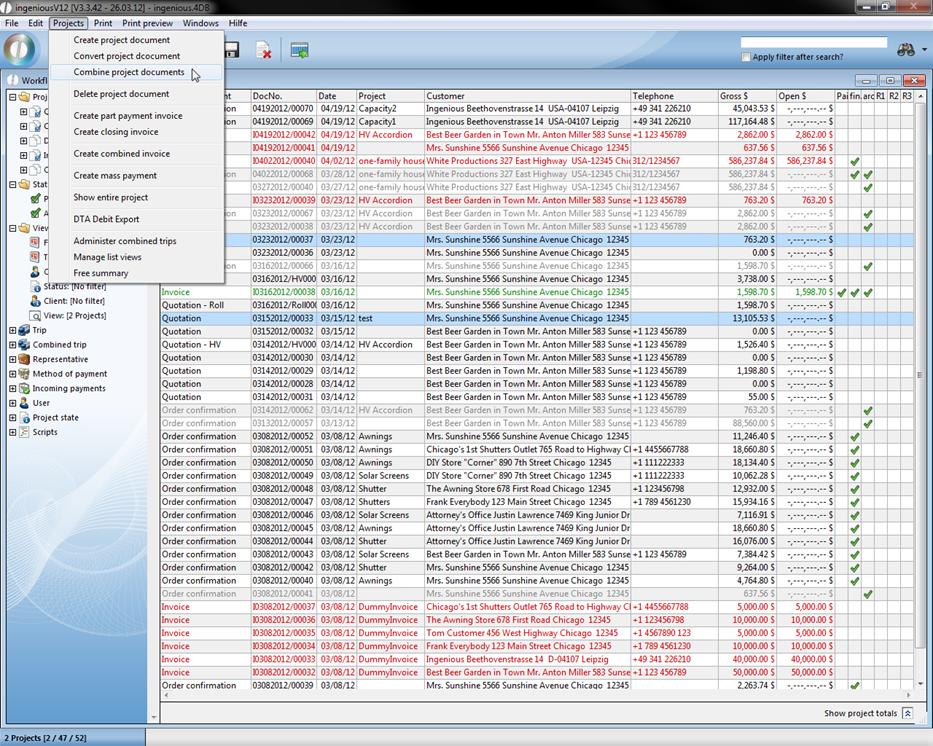
Different documents such as quotations, order confirmations and delivery notes can be summarized. This option can be an advantage if a contact has allowed several quotations to be provided, for example, and if they have made one contract out of them in the end. In order to be able to summarize the projects, you must highlight the desired documents and then click in the “Projects” menu on the item “Summarize project documents”.
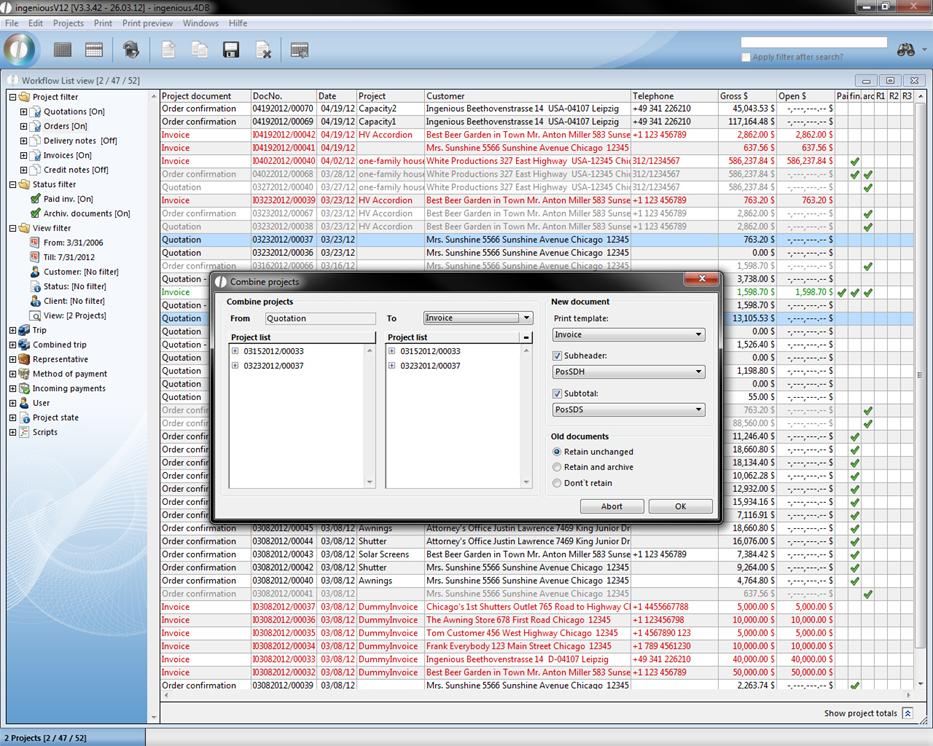
In the displayed window you can choose the project type of the combined project. Additionally you have got the opportunity to choose the print template. Also you can determine, whether a subheader and/or subtotal should be added or not. And you can choose what should happen to the originally projects.
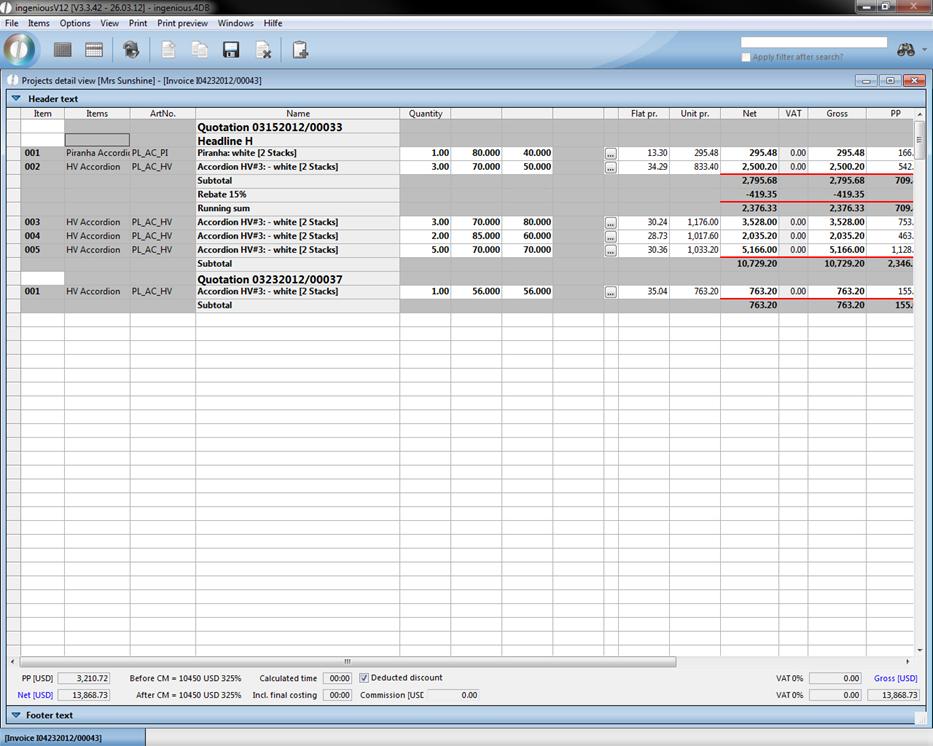
The combined project can look like this.